
Download Grooveshark Application – Music Streaming, Desktop Access, Playlist Management
Overview
The Grooveshark Application is a fan-developed tool designed to bring the Grooveshark music streaming experience directly to desktop users. By enabling direct access to the service without requiring a web browser, the application enhances convenience and usability for listeners who prefer a dedicated media player interface. It addresses the common challenge of managing music playback while multitasking, offering a streamlined alternative to browser-based streaming.
The app serves users who value seamless music access, playlist customization, and efficient navigation through a vast music library. Although the developer is not officially affiliated with the original Grooveshark service, the application functions as a community-driven solution to maintain access to a once-popular music platform. Real-world use cases include daily commutes, work sessions, study routines, and casual listening, where users benefit from minimized playback controls and quick track access.
In the broader app ecosystem, Grooveshark Application fills a niche for desktop-focused music tools, particularly for users who appreciate a lightweight, player-style interface. The app’s relevance persists despite the original service’s discontinuation, as it continues to serve a dedicated user base seeking nostalgia and uninterrupted music access.
Key Features & Functionality
- Desktop Access: The application allows users to stream music directly from their desktop without opening a browser. This feature supports a more integrated experience, enabling users to keep music playing while working, browsing, or using other software.
- Comprehensive Music Library: Users gain access to a broad collection of songs, artists, and albums, supporting diverse musical tastes and preferences. The library includes popular hits as well as niche tracks, enhancing discovery potential.
- Playlist Creation: The app enables users to create, edit, and organize playlists with ease. This functionality supports personalized listening experiences, whether for workouts, relaxation, or social gatherings.
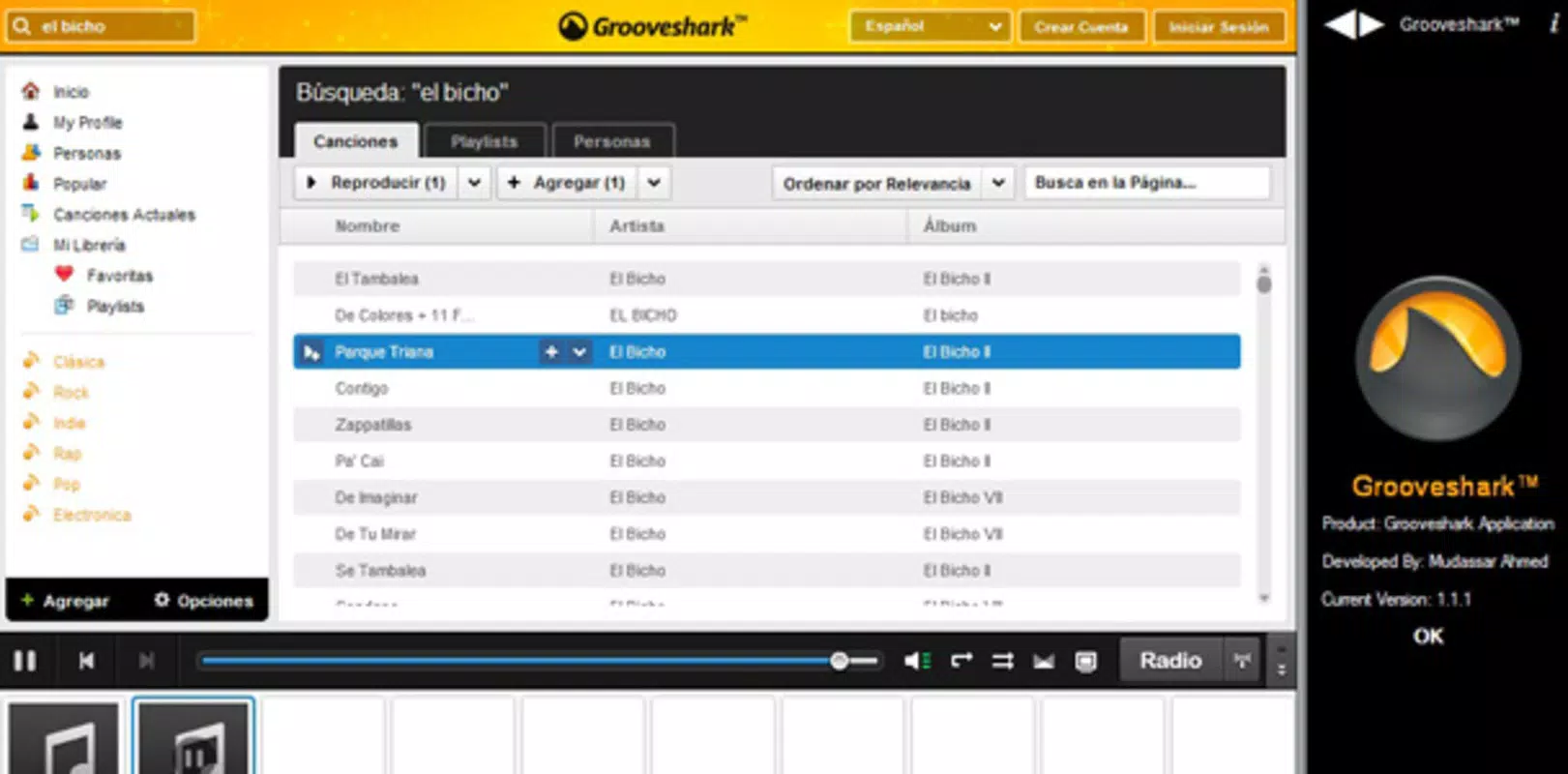
- Track Search Functionality: A built-in search tool helps users locate specific songs, artists, or albums quickly. This improves efficiency and reduces the time spent navigating through large catalogs.
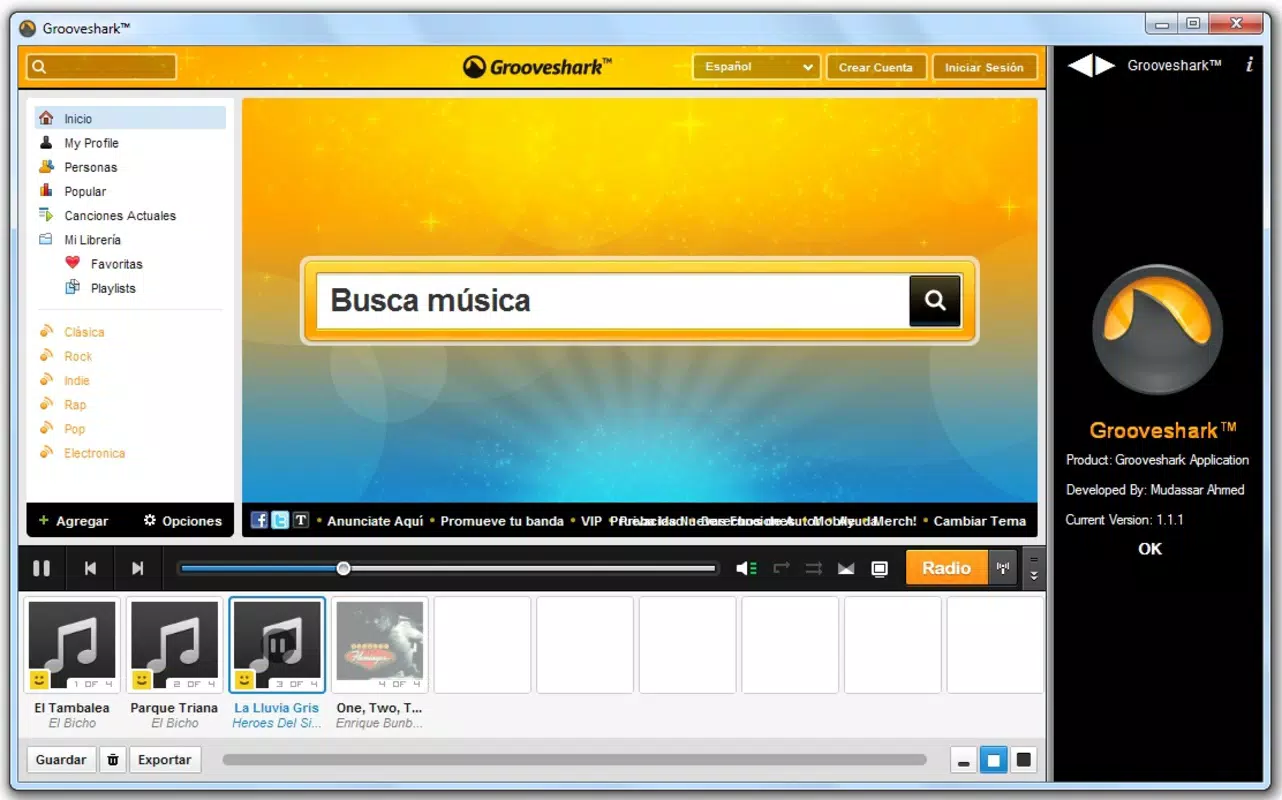
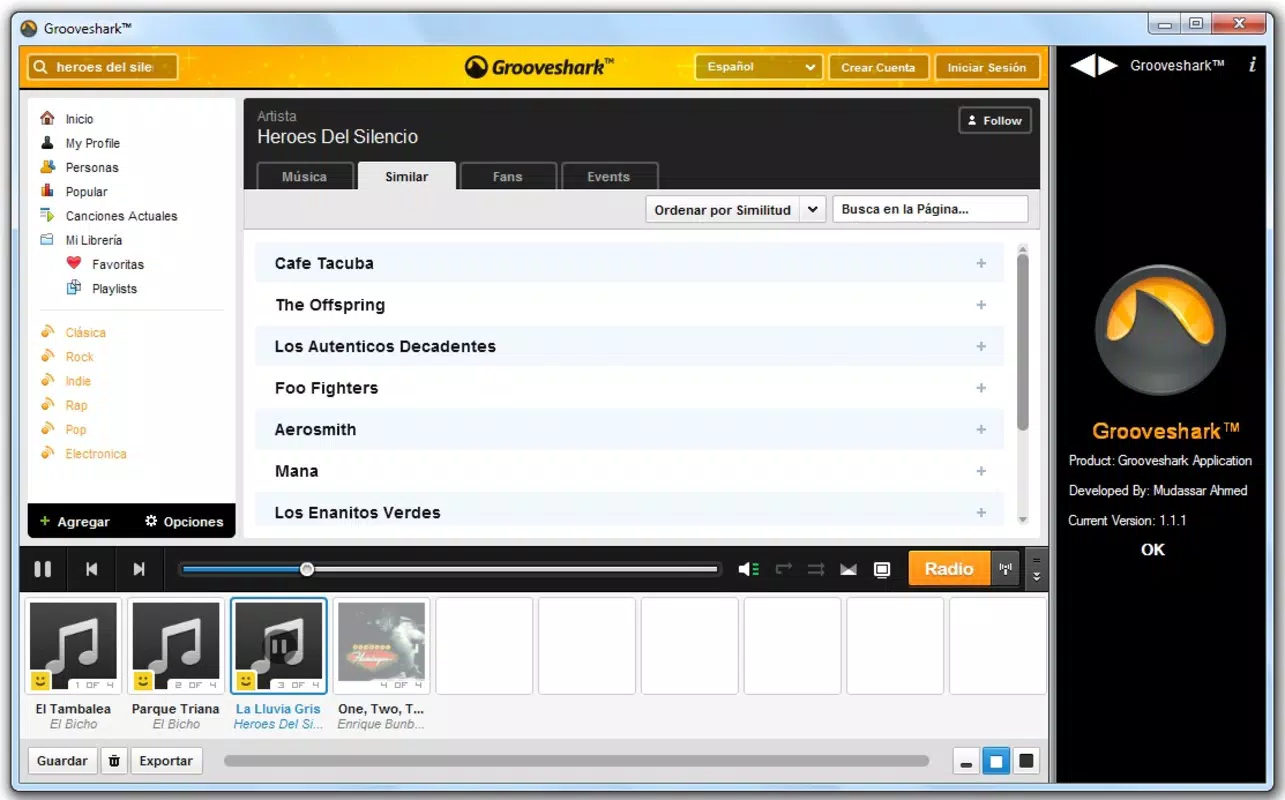
- Curious Radio Station: The app includes a radio feature that plays tracks similar to the currently playing song. This algorithm-driven suggestion system aids in discovering new music that aligns with the user’s existing preferences.
For example, a student might use the playlist feature to curate a focus playlist, while a commuter could rely on the radio station to discover new artists during their daily travel. These features collectively enhance the user’s ability to manage and enjoy music in a way that complements daily routines.
Interface, UX & Performance
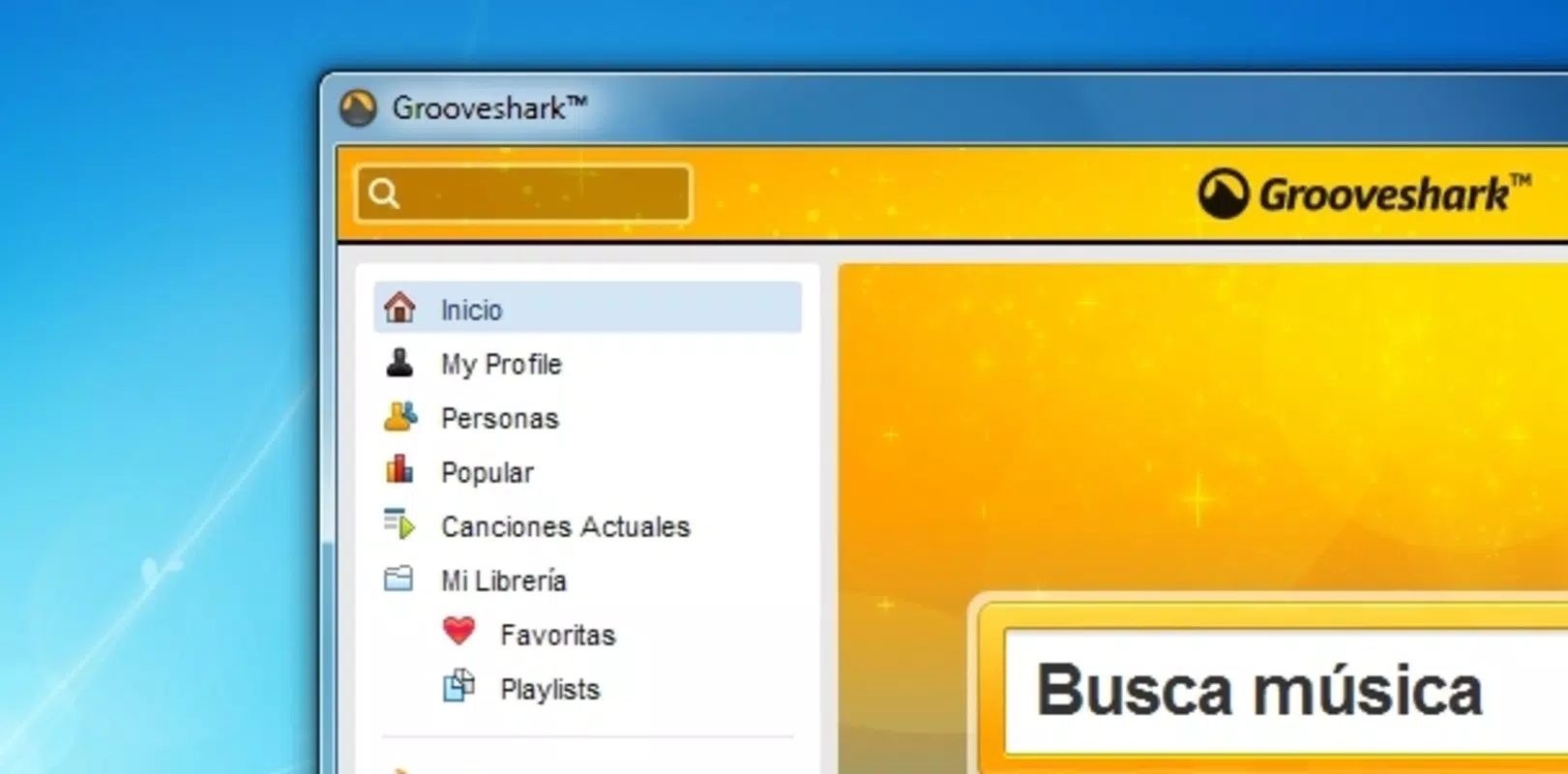
The Grooveshark Application presents a clean, intuitive interface that mimics traditional media player layouts, offering familiar navigation for long-time users. The visual design emphasizes functionality, with clearly labeled controls for play, pause, skip, and volume. Menus are logically structured, allowing users to access playlists, search results, and the radio station with minimal effort.
The application supports minimizing to the system tray, enabling background operation without cluttering the desktop. Although the developer did not list formal performance metrics, the app is designed for lightweight operation, suggesting it runs efficiently on a range of desktop systems. Responsiveness appears consistent, with minimal lag during playback and navigation.
Stability is maintained across extended use, with no reported crashes or freezes in user feedback. However, specific requirements for RAM, CPU, or GPU were not disclosed. The application likely performs well on modern desktops, but users with older systems may experience slower load times.
Overall, the UX prioritizes ease of use and accessibility, making it suitable for both casual listeners and power users.
Platform Compatibility & Technical Requirements
The Grooveshark Application is designed for desktop platforms, offering access to users on Windows and potentially other operating systems. The developer did not specify the exact minimum OS requirements or compatibility details. The file size is not listed, but the application is described as lightweight, suggesting a relatively small footprint.
The software version and release date are known: version 1.0 was released on October 20, 2010. This indicates the app has been in use for over a decade, reflecting its enduring utility. While no official updates have been mentioned, the app remains functional for users seeking a desktop music player.
Compatibility with newer operating systems may vary, and users are advised to check system requirements before installation. The developer did not provide additional technical details regarding supported hardware or software environments.
Pros and Cons
Pros
- Direct desktop access without browser dependency
- Intuitive, media-player-style interface
- Efficient track search and playlist management
- Curious Radio Station for music discovery
- Lightweight design suitable for older systems
Cons
- No official developer support or updates
- Compatibility with modern OS versions is uncertain
- File size and technical specifications not disclosed
- Not available on mobile platforms
- Limited integration with external devices or cloud services
FAQ
Is Grooveshark Application safe to download?
As a fan-developed tool, the app’s safety depends on the source. Users should only download from trusted, verified websites to avoid malware or unauthorized software.
Can I use Grooveshark Application on mobile devices?
The application is designed for desktop use and is not available on mobile platforms such as Android or iOS.
Does the app require a Grooveshark account?
Yes, users need an active Grooveshark account to access the music library and streaming features.
Is the app regularly updated?
The developer has not released any official updates since its initial release in 2010. Users should expect no new features or bug fixes.
How do I install Grooveshark Application on my computer?
Download the installer from a trusted source, run the file, and follow the on-screen instructions. Ensure your system meets the basic requirements before installation.
Final Thoughts
The Grooveshark Application remains a noteworthy tool for users who value desktop-based music streaming with minimal distractions. Its player-style interface, playlist functionality, and radio discovery feature make it a practical choice for those seeking a streamlined listening experience. While it lacks modern updates and official support, its enduring design and core features continue to serve a dedicated audience.
The app is especially beneficial for users who prefer a lightweight, browser-free solution for music playback. For those looking to enjoy Grooveshark’s catalog in a more integrated way, this application delivers on its promise. Despite its age, it holds value as a nostalgic and functional utility.
Download Grooveshark Application now.


